Why AI Software Utilities Matter in 2026
Artificial intelligence has moved from being an emerging technology to becoming a practical part of everyday digital work. From writing emails and analysing information to organising tasks and creating content, AI-powered software is helping people complete demanding activities more efficiently. AI software utilities are particularly useful because they can support specific tasks without requiring users to completely change the way they work.
The growing popularity of these tools reflects a wider shift towards smarter digital workflows. Professionals, students, freelancers and businesses can use AI to reduce repetitive work, organise information and improve productivity. Rather than replacing every traditional application, modern AI utilities often work alongside existing software, providing intelligent assistance where it can save the most time.
What Are AI Software Utilities?
AI software utilities are digital applications that use artificial intelligence to help users perform particular tasks more efficiently. They can generate or edit text, summarise documents, analyse data, transcribe audio, create images, organise information and automate repetitive processes. Their main purpose is to make common digital activities faster, easier and more accessible.
Unlike traditional software that generally follows fixed instructions, AI-powered utilities can interpret information and respond to changing inputs. This flexibility allows them to assist with tasks that previously required considerable manual effort. However, their usefulness depends on the quality of the tool, the information provided and the user’s ability to review the resulting output.
How AI Software Utilities Improve Productivity
One of the biggest advantages of AI software utilities is their ability to reduce the amount of time spent on repetitive activities. Tasks such as drafting routine emails, summarising lengthy documents, organising notes and preparing basic reports can often be completed much faster with intelligent assistance. This allows users to concentrate more heavily on creative thinking, strategy and important decisions.
AI can also help people manage large amounts of information without becoming overwhelmed. A suitable utility can organise content, identify key points and present information in a more accessible format. When these capabilities are incorporated into an everyday workflow, users can achieve greater efficiency while maintaining control over the final decisions and outcomes.
AI Writing and Content Utilities
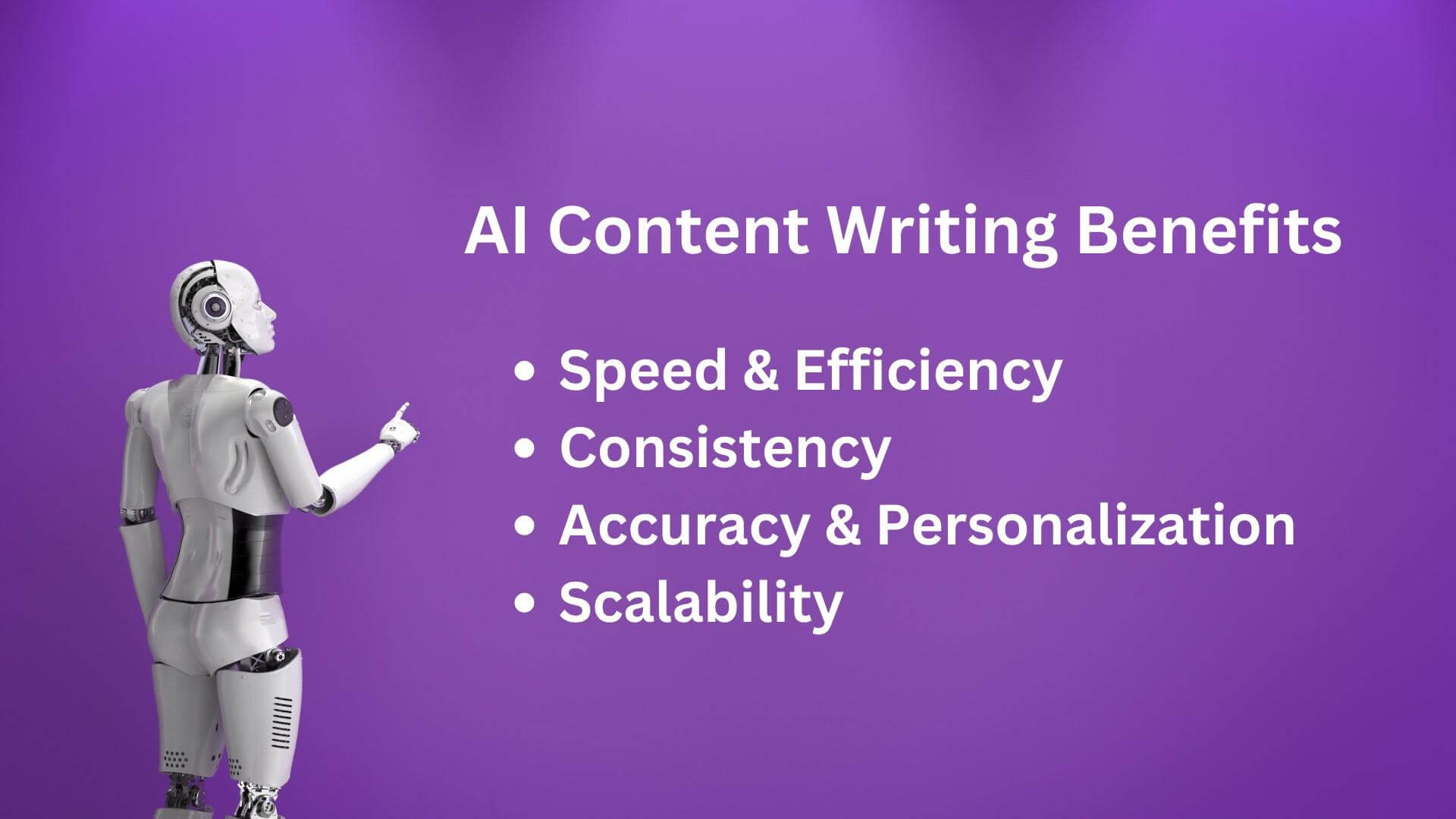
AI writing utilities are widely used for drafting articles, emails, descriptions, reports and other forms of digital content. They can help users overcome writer’s block, improve sentence structure and adjust the tone of existing material. For marketers and content creators, these tools can also support brainstorming, content planning and the development of initial drafts.
However, AI-generated content should not automatically be considered final. Human review remains important for accuracy, originality, context and tone. A strong workflow uses AI as an assistant rather than an unquestioned replacement for human expertise. Editing and fact-checking can transform a basic AI-generated draft into more useful and reliable content.
AI Research and Information Utilities
Research-focused AI utilities can help users process information more quickly by summarising documents, answering questions and identifying important concepts. This can be particularly valuable when someone needs to understand a large report or gather background information before making a decision. Instead of manually reading every piece of information from the beginning, users can use AI to create a starting point.
Accuracy should remain a priority when using AI for research. Some systems may misunderstand context, produce incomplete information or present incorrect claims confidently. Users should therefore verify important facts against reliable sources, especially when information could affect financial, professional or business decisions. AI can accelerate research, but responsible verification remains essential.
AI Productivity and Task Management Utilities
Modern productivity software increasingly uses AI to organise tasks, summarise meetings and manage notes. These features can help users turn unstructured information into practical actions. For example, meeting discussions can be converted into summaries and potential tasks, while large collections of notes can become easier to search and organise.
The real benefit comes when these capabilities are connected to an existing workflow. A professional may use AI to capture information during a meeting, organise follow-up actions and prepare a summary afterwards. This reduces administrative effort while keeping the user responsible for reviewing priorities and deciding what needs to happen next.
AI Communication Utilities
Communication is another area where AI can provide practical assistance. AI tools can help draft emails, improve grammar, summarise conversations, transcribe meetings and translate text between languages. These features can be particularly helpful for professionals who regularly communicate with customers, colleagues or international teams.
Good communication still requires human judgement. An AI system may create grammatically correct text that does not fully understand a relationship, situation or intended tone. Users should review important messages before sending them, particularly when communication involves customers, sensitive information or complex professional matters.
AI Data Analysis Utilities
Data analysis can become time-consuming when users need to examine spreadsheets, reports or large collections of information. AI-powered utilities can assist by identifying patterns, summarising datasets and helping users explore questions about their information. This can make complex data more approachable for people who do not have advanced analytical skills.
AI-assisted analysis should still be treated as support rather than absolute authority. Calculations, interpretations and conclusions should be checked before they are used for important decisions. When combined with human expertise, AI can make data analysis more efficient while helping users focus on understanding what the information actually means.
AI Design and Creative Utilities
Creative AI tools have expanded rapidly, giving users new ways to create images, presentations, videos and other digital materials. Designers, marketers and content creators can use these applications to explore ideas, develop concepts and produce early versions of creative projects. This can reduce the time needed to move from an idea to a usable visual concept.
The strongest creative workflows combine artificial intelligence with human direction. Users still need to decide what they want to communicate, select suitable concepts and refine the final result. AI can provide speed and experimentation, while human creativity provides context, originality and a clear understanding of the intended audience.
AI Automation Utilities
Automation is one of the most valuable applications of AI for businesses and busy professionals. AI automation utilities can connect different digital services and perform repetitive actions based on defined triggers. Examples include moving information between applications, generating notifications, organising documents and supporting routine customer communication.
The advantage of automation increases when a task is repeated frequently and follows a predictable process. Before automating a workflow, users should understand the process and identify potential errors. Careful testing is important because an automated mistake can sometimes be repeated much faster than a manual one.
How to Choose the Right AI Software Utilities
Choosing an AI tool should begin with a specific problem rather than a list of fashionable features. Users should consider what task they want to improve, how frequently they perform it and what result they expect. This approach makes it easier to identify software that provides genuine value instead of adding unnecessary complexity to a workflow.
Cost, privacy, integrations, reliability and ease of use should also influence the decision. A free utility may be sufficient for occasional tasks, while a business could require stronger security and collaboration features. Checking limitations before adopting a tool can prevent unexpected costs and ensure that it fits naturally into an existing digital environment.
AI Utilities for Different Users
Students can use AI tools to organise notes, summarise learning material and support research. Freelancers may benefit from writing, communication, administration and project management utilities. Marketers can use AI for content planning, campaign ideas and customer research, while small businesses can apply it to support, reporting and routine operations.
Office professionals can use AI to manage documents, meetings, emails and repetitive administrative work. Developers can benefit from coding assistance and documentation tools, while content creators can explore AI-powered solutions for writing, images and video. The most effective choice depends on the user’s objectives rather than their job title alone.
Benefits and Limitations of AI Software Utilities
The main benefits include speed, convenience, automation and improved access to sophisticated digital capabilities. AI can help users process information more quickly and reduce repetitive workloads. For smaller organisations, these utilities can also provide capabilities that might otherwise require additional staff, specialist software or considerable amounts of manual effort.
At the same time, AI has limitations that users should understand. Outputs can contain inaccuracies, weak reasoning or missing context. Privacy can also become a concern when sensitive information is entered into external services. Responsible users should understand how their chosen tools handle data and should avoid sharing confidential information without appropriate safeguards.
How to Use AI Software Utilities Effectively
The best approach is to begin with a clearly defined task and test how well an AI utility performs it. Users should provide useful instructions, relevant context and clear expectations. Better input often produces more useful results, although even strong instructions cannot guarantee complete accuracy.
AI should become part of a balanced workflow rather than the entire workflow. Review important outputs, correct mistakes and maintain human oversight over significant decisions. Users should also regularly evaluate whether a tool is genuinely saving time. If an AI utility creates more checking work than it removes, it may not be the right solution.
The Future of AI Software Utilities
The future of AI-powered software is likely to involve greater integration between applications and more personalised digital assistance. Instead of opening separate tools for individual tasks, users may increasingly interact with connected systems capable of handling several stages of a workflow. This could make digital work more seamless and reduce the need to move information manually between applications.
AI agents and multimodal systems may also expand what software can accomplish. Text, images, audio, video and structured data can increasingly be processed together, creating new opportunities for automation and productivity. As these technologies develop, understanding how to use AI responsibly may become as important as knowing how to use traditional productivity software.
Conclusion: Building a Smarter Digital Workflow
AI software utilities are becoming valuable tools for people who want to work faster, organise information and reduce repetitive digital tasks. From writing and research to communication, data analysis, creative work and automation, AI can support a wide range of everyday activities. The key is to select tools based on genuine needs rather than simply following technology trends.
The most productive approach combines intelligent software with human judgement. Users who understand the strengths and limitations of AI can build workflows that are faster without sacrificing accuracy or quality. As AI technology continues to develop throughout 2026 and beyond, practical knowledge and responsible use will remain essential for getting meaningful value from these increasingly capable utilities.
Frequently Asked Questions About AI Software Utilities
What are AI software utilities?
AI software utilities are applications that use artificial intelligence to assist with specific digital tasks. They can support writing, research, communication, data analysis, content creation, organisation and automation, helping users complete work more efficiently.
What are the best AI software utilities for productivity?
The best tool depends on the user’s requirements. Writing assistants, research applications, task management software, data analysis platforms and automation tools can all improve productivity when they address a genuine workflow problem.
How can AI software utilities save time?
They can automate repetitive activities, summarise information, draft content, organise data and assist with routine communication. By reducing manual work, AI can give users more time for tasks that require creativity, judgement and strategic thinking.
Are AI software utilities free to use?
Some AI utilities offer free versions, while others use subscriptions or usage-based pricing. Free plans may have restrictions on features, usage limits or access to advanced capabilities, so users should compare pricing before choosing a long-term solution.
Can small businesses use AI software utilities?
Yes. Small businesses can use AI for customer communication, content creation, administration, research, reporting and workflow automation. These applications can help smaller teams improve efficiency without necessarily increasing their workload.
Are AI software utilities safe to use?
Safety depends on the specific application and how it handles user information. Before using a tool, users should review its privacy policies, security practices and data controls, particularly when dealing with confidential or commercially sensitive information.
Can AI software utilities replace human workers?
AI can automate certain tasks, but replacing an entire role is much more complicated. Human judgement, creativity, communication and accountability remain important in many areas. AI is often most effective when it supports people rather than operating without human oversight.
How should I choose the right AI utility?
Start by identifying the task you want to improve. Then compare features, pricing, integrations, reliability, ease of use and privacy practices. Testing a tool with a real workflow can help determine whether it provides meaningful value.
What is the future of AI software utilities?
AI utilities are likely to become more integrated, personalised and capable of completing multi-step workflows. Greater use of AI agents and multimodal technology could allow software to work across text, images, audio, video and data with less manual intervention.