Introduction
Browser-based applications have become an important part of everyday digital life. From checking email and editing documents to managing finances and collaborating with remote teams, people increasingly rely on software that works directly inside a web browser. These applications provide convenient access without requiring users to install traditional software on every device.
The popularity of browser-based applications has grown alongside cloud computing, faster internet connections and the increasing need for flexible digital tools. Businesses, students, professionals and everyday users can access services from computers, tablets and smartphones. Understanding how these applications work, what they offer and where their limitations lie can help users make better technology decisions.
What Are Browser-based applications?
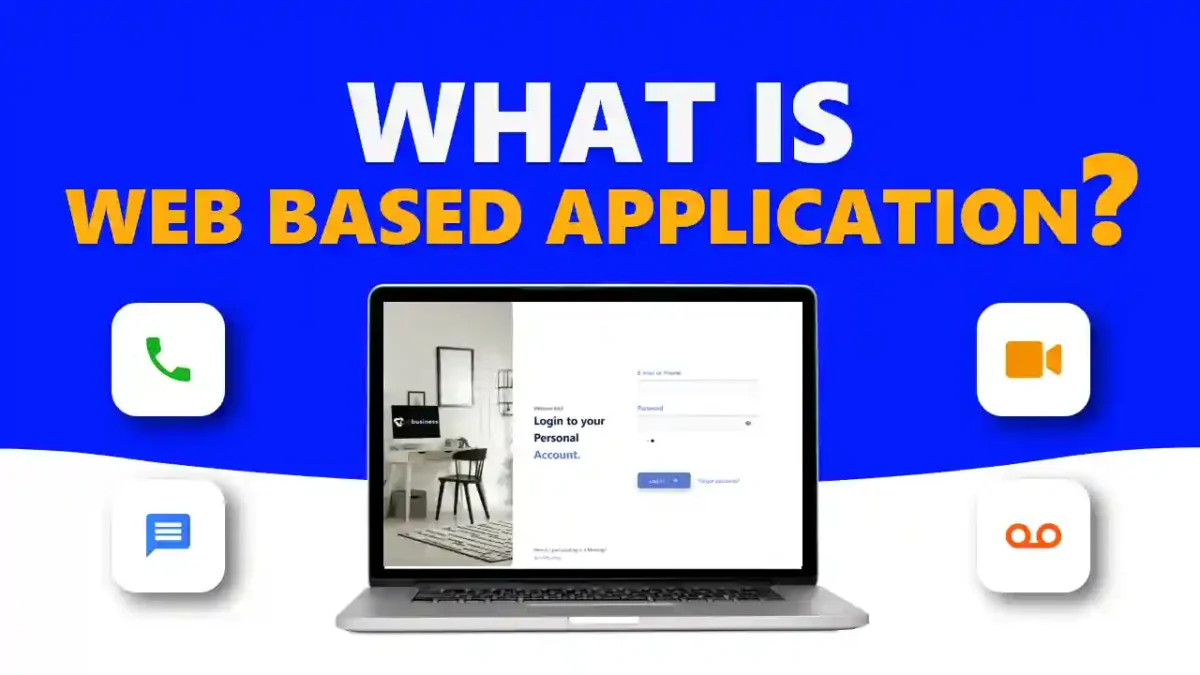
Browser-based applications are software programmes that users access through a web browser rather than installing them directly on a device. The browser provides the interface, while much of the application’s processing, storage or functionality can be handled by remote servers. This approach allows users to interact with software using a familiar browser window.
Unlike a simple website, an online application usually provides interactive features and user-specific functions. For example, an information website may simply display articles, while an online accounting platform can allow users to enter transactions, create reports and manage accounts. Email services, document editors, project-management platforms and customer portals are common examples.
How Do Browser-based applications Work?
When a user opens an application in a browser, the browser communicates with the application’s server through the internet. The server processes requests, retrieves relevant information and sends the required content back to the browser. Technologies such as HTML, CSS and JavaScript help create the interface and interactive features users see on their screens.
Many modern applications also connect to databases that store user information, documents, preferences and other data. Secure login systems can identify individual users and control what they are allowed to access. Cloud infrastructure can then make information available across multiple devices, provided the user has the appropriate account and internet connection.
Key Features of Browser-based applications
One major feature is accessibility. Users can often open an application from different devices without installing a separate programme for each operating system. This can make web-based software particularly useful for people who work between home, office and mobile environments. Responsive interfaces can also adapt the layout to different screen sizes.
Automatic updates are another important advantage. Instead of requiring every user to download and install a new version manually, developers can update the central application. Other features may include cloud storage, user authentication, real-time collaboration, notifications, payment processing and integration with external services. These capabilities allow modern web applications to perform tasks that were once associated mainly with desktop software.
Benefits of Browser-based applications
One of the biggest benefits is convenience. Users generally need only a compatible browser and an internet connection to access their software. This can reduce the time and effort associated with installing applications, managing software versions and transferring files between computers. For organisations, centralised management can also simplify deployment and maintenance.
Browser-based applications can support collaboration particularly well. Multiple users may be able to access shared documents, dashboards or project information from different locations. This is valuable for remote and hybrid teams because employees can work with the same information without relying entirely on locally installed software. Depending on the service, organisations can also scale access as their requirements change.
Common Uses of Browser-based applications
Browser-based applications are used across a wide range of industries and everyday activities. Productivity platforms can provide online word processing, spreadsheets, presentations and task management. Communication tools can support email, messaging and video meetings. Businesses may also use web-based accounting, customer relationship management and inventory systems to manage important operations.
Education is another major area of use. Students can access learning platforms, online classrooms, digital resources and assessment systems through a browser. Financial organisations use web applications for banking, payments and account management, while retailers use them for shopping, order tracking and customer services. This broad range of uses demonstrates how flexible modern web software has become.
Browser-based applications vs Desktop Applications
Desktop applications are normally installed directly on a computer and may depend heavily on the operating system. Browser-based applications, by comparison, are generally accessed through a web browser. This can make web software easier to access across multiple devices, while desktop programmes may provide stronger performance for certain demanding or specialised tasks.
The best option depends on the user’s requirements. Desktop software can be preferable when powerful local processing, advanced hardware access or reliable offline functionality is essential. Browser-based applications may be more suitable when accessibility, collaboration, centralised updates and cross-platform availability are priorities. Neither approach is automatically better for every situation.
Browser-based applications vs Mobile Applications
Mobile applications are designed specifically for smartphones and tablets and are commonly downloaded through app stores. Browser-based applications can instead be opened through a mobile browser, reducing the need to install a dedicated application. This can be useful for services that users access occasionally or across several types of devices.
However, native mobile applications can have deeper access to device features such as notifications, cameras, sensors and other hardware capabilities. Modern progressive web applications help narrow this gap by providing app-like experiences through browsers. The choice between a mobile app and a browser experience therefore depends on performance requirements, device functionality and the intended user experience.
Security and Privacy Considerations
Security is an important consideration whenever users access software and personal information online. Reputable applications should use secure connections, appropriate authentication methods and sensible access controls. Users can further protect their accounts by choosing strong, unique passwords, enabling multi-factor authentication and keeping their browsers and devices updated.
Privacy also deserves careful attention. Users should understand what information an application collects, how it is stored and how it may be shared. Organisations should evaluate providers carefully when sensitive business or customer information is involved. Phishing attacks, compromised accounts, malicious browser extensions and weak passwords can create risks, making good security practices essential.
Limitations and Challenges of Browser-based applications
Despite their advantages, browser-based applications are not perfect. Many depend on a stable internet connection, so users may experience difficulties when connectivity is poor. Performance can also vary depending on browser capabilities, server conditions, network speed and the complexity of the application. Some services may offer offline functionality, but this is not universal.
Another consideration is dependence on a service provider. If a platform experiences an outage, users may temporarily lose access. Subscription prices, data portability and compatibility can also become important concerns for businesses. Organisations should therefore examine reliability, backup options, security, browser support and export capabilities before choosing an online software service.
How Businesses Can Choose the Right Browser-based application
Businesses should begin by identifying the problem they want the software to solve. Functionality, ease of use, scalability and compatibility with existing systems should all be considered. A platform that looks impressive but lacks essential features or integration options may create more problems than it solves.
Security and pricing are equally important. Businesses should examine authentication, permissions, data protection, support, service reliability and available backup options. It is also sensible to consider future growth and whether information can be exported if the organisation later changes providers. A careful evaluation can help prevent unnecessary costs and operational disruption.
Future of Browser-based applications
The future of web software is likely to become increasingly sophisticated. Improvements in browser technology, cloud infrastructure and internet connectivity are enabling applications to handle more complex tasks. Artificial intelligence is also being incorporated into many online platforms, helping users automate repetitive work, analyse information and generate content directly within browser interfaces.
Progressive web applications and technologies such as WebAssembly are also expanding what browsers can accomplish. As these technologies develop, the distinction between traditional software and online applications may become less obvious. Users can expect increasingly powerful, responsive and connected digital experiences that combine the convenience of web access with capabilities traditionally associated with installed applications.
Conclusion
Browser-based applications have transformed how people access and use software. Their combination of accessibility, centralised updates, collaboration and cross-platform compatibility makes them valuable for individuals, organisations and online services. From education and finance to productivity and communication, these applications now support a remarkably broad range of everyday activities.
However, users should also consider security, privacy, internet dependence, performance and provider reliability before choosing a solution. The right technology ultimately depends on the specific task and requirements. As cloud computing, artificial intelligence and browser technologies continue to advance, browser-based applications are likely to remain a central part of the modern digital landscape.
Frequently Asked Questions
What are browser-based applications?
Browser-based applications are software tools accessed through a web browser rather than traditionally installed directly on a computer. They can provide interactive features such as editing documents, managing accounts, communicating with other users and handling business processes.
What is the difference between a website and a browser-based application?
A website primarily provides information for visitors, while a browser-based application usually allows users to perform interactive tasks. For example, an article page is a website, whereas an online spreadsheet that allows users to edit and save data is an application.
Do browser-based applications need to be installed?
Most browser-based applications do not require traditional installation. Users can normally access them through a supported browser by visiting the relevant service and signing into their account.
What are the main benefits of browser-based applications?
Key benefits include easy accessibility, cross-platform compatibility, centralised updates, collaboration and reduced installation requirements. They can also make it easier for organisations to manage software across distributed teams.
Are browser-based applications safe to use?
They can be safe when developed and maintained with appropriate security measures. Users should choose reputable services, use strong passwords, enable multi-factor authentication where available and keep their browsers and devices updated.
Can browser-based applications work without the internet?
Some applications provide offline functionality, but many rely on an internet connection for full access. Offline capabilities vary considerably between services and should be checked before selecting an application.
Are browser-based applications better than desktop applications?
Neither option is universally better. Browser-based applications can be ideal for accessibility and collaboration, while desktop applications may be preferable for demanding processing, specialised hardware access or extensive offline use.
Can browser-based applications be used on mobile devices?
Yes. Many are designed with responsive interfaces that work on smartphones and tablets. Some can also function as progressive web applications, offering an experience that resembles a traditional mobile app.
What are some examples of browser-based applications?
Common examples include webmail services, online document editors, accounting platforms, project-management systems, customer portals, educational platforms, online banking services and cloud-based productivity tools.
Are browser-based applications suitable for businesses?
Yes. Businesses can use them for communication, productivity, accounting, customer management, collaboration, marketing and many other activities. The suitability of a particular application depends on its security, functionality, integrations, pricing and scalability.
What browsers support browser-based applications?
Many modern applications support popular browsers such as Google Chrome, Microsoft Edge, Mozilla Firefox and Apple Safari. However, exact compatibility varies between applications, so users should check the provider’s supported-browser requirements.
What is the future of browser-based applications?
The future is likely to include more artificial intelligence, progressive web applications, real-time collaboration, advanced cloud services and high-performance browser technologies. These developments could make online applications increasingly capable of replacing traditional software for many tasks.